

Neyvu
A course-aware AI assistant that brings Moodle material, notes and study planning into one workspace, with local inference and answers linked to saved sources.
- Interface
- Services
- Data and evidence
Desktop Companion Electron
The student signs into Moodle on a paired desktop. Collection is distinct from the phone workspace and its saved study materials.
Illustrated logical architecture. Select a component; animated paths show connections, not live traffic.
- Next.js
- TypeScript
- PostgreSQL
- Python
- Render
- working product · onboarding students
- Beta
- AI inference
- Local
- isolated student workspaces
- PostgreSQL
Working pilot, onboarding users. Status reviewed 20 October 2026; no adoption or revenue claim.
How the system connects
- Interface
- Services
- Data and evidence
Desktop Companion Electron
The student signs into Moodle on a paired desktop. Collection is distinct from the phone workspace and its saved study materials.
Illustrated logical architecture. Select a component; animated paths show connections, not live traffic.
Problem
Course information is scattered across Moodle pages, files, announcements and personal notes. A useful study assistant needs to keep the source and its age visible, distinguish official requirements from a student's plan, and preserve work when collection or inference fails.
Constraints
- Separate every student's identity, saved sources, files and conversations.
- Students sign into Moodle themselves through a paired desktop Companion; the phone website is a separate surface.
- Run AI on a local Mac worker. The hosted workspace must remain useful when inference is unavailable.
- Never infer a submission, grade or deadline from unrelated evidence. Show missing coverage and source timestamps.
Decisions
Pin the evidence to the answer
Answer jobs reference immutable source versions. Updating a note later must not silently change what an earlier answer cited. AI-written study drafts stay separate from original course evidence.
Separate the cloud workspace from local inference
A leased job queue connects the Render application to the local model worker. Saved notes, files and calendar remain accessible while questions wait for the worker, and a failed answer can retain a recoverable draft.
Keep the student's plan separate from official dates
A planned study day is not an assignment deadline, and saved course information may be incomplete. Those boundaries are explicit in the data model and interface rather than left to a language model to guess.
How it was built
- Designed and built the course workspace, source reader, conversations and study planning.
- Connected tenant-scoped PostgreSQL storage, original files, a paired desktop collector and local AI jobs.
- Built source-citation, exact-math, failure-recovery and release checks around the assistant.
Outcome
A working product with a public pilot-access page. I am onboarding pilot students. The current system combines hosted web access with a desktop Moodle collector and local AI processing; it is an independent student-built pilot, not an Acadia-operated service.
Evidence
- Public pilot page and a responsive web workspace.
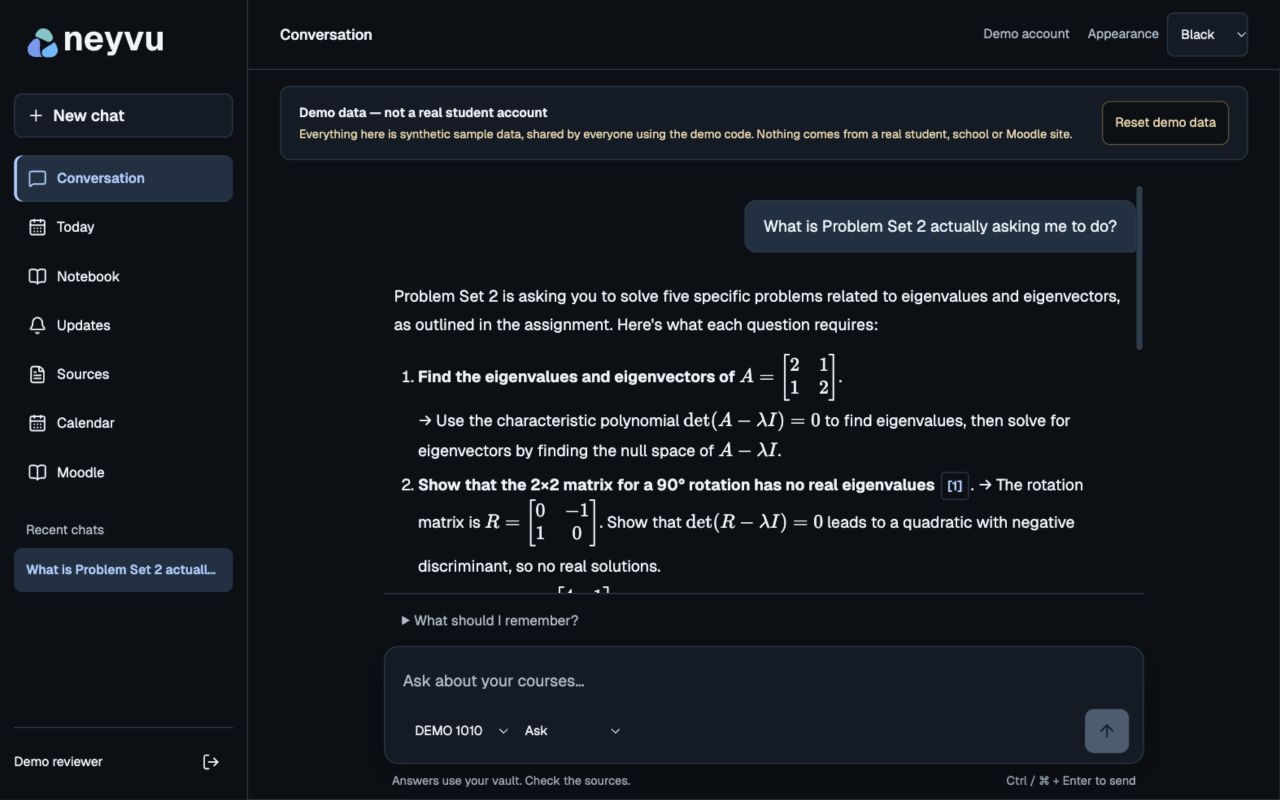
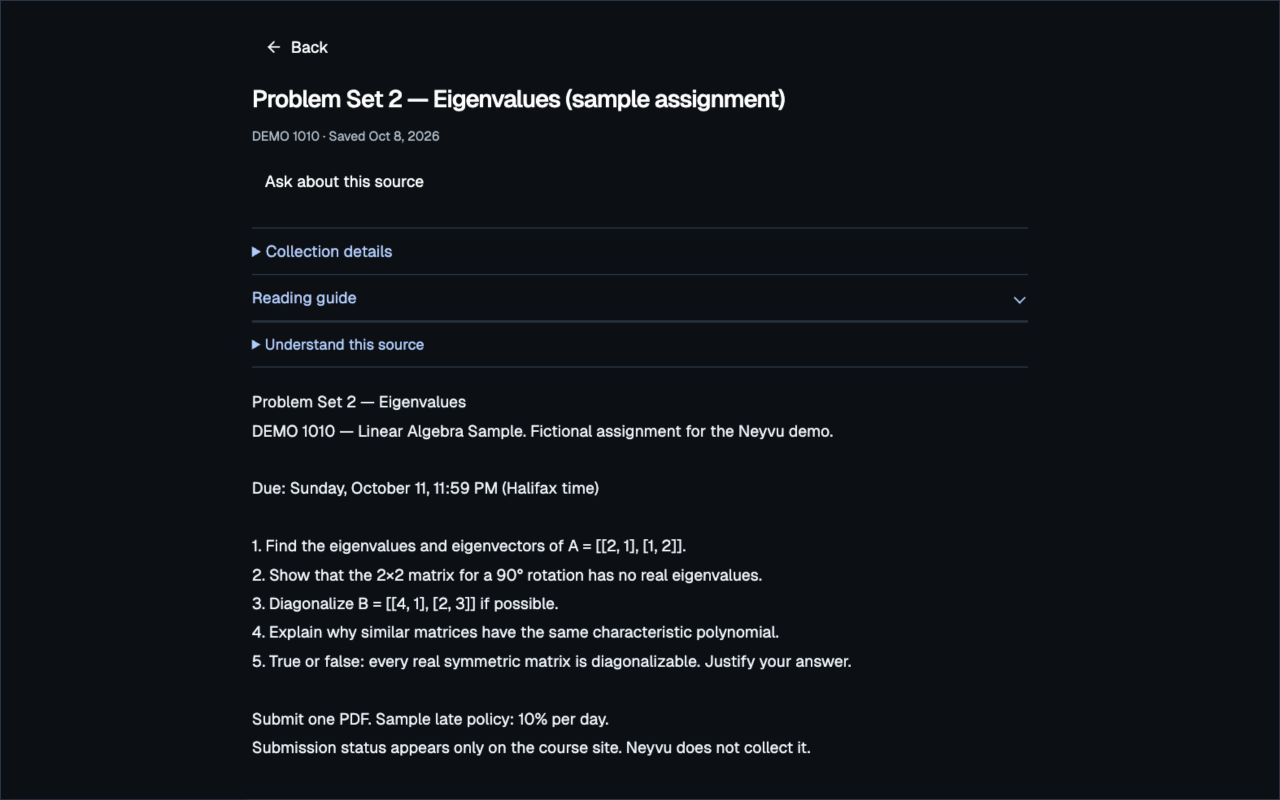
- Product screenshots below use explicitly fictional demonstration material.
- Source versions, tenant isolation, queued work and recovery are represented in the implementation and release records.
Screens
Stack
Next.js · TypeScript · PostgreSQL · Python · Electron · Ollama · Qwen · SymPy · Render
Links
In progress
- Onboard pilot students and measure the first successful course setup.
- Complete physical-phone and new-student acceptance; keep known academic gaps visible.